Creating Automated Client Progress Reports using Airtable and Zapier
Let's be honest. Manually cobbling together client progress reports is a soul-crushing chore. You know the drill. You're digging through spreadsheets, copying, pasting, reformatting. It's Sunday night. You're doing busywork instead of real work. What if you could just... not? What if the report built itself while you were sleeping? Here's how to make that a reality.
Airtable: Your New Reporting Command Center
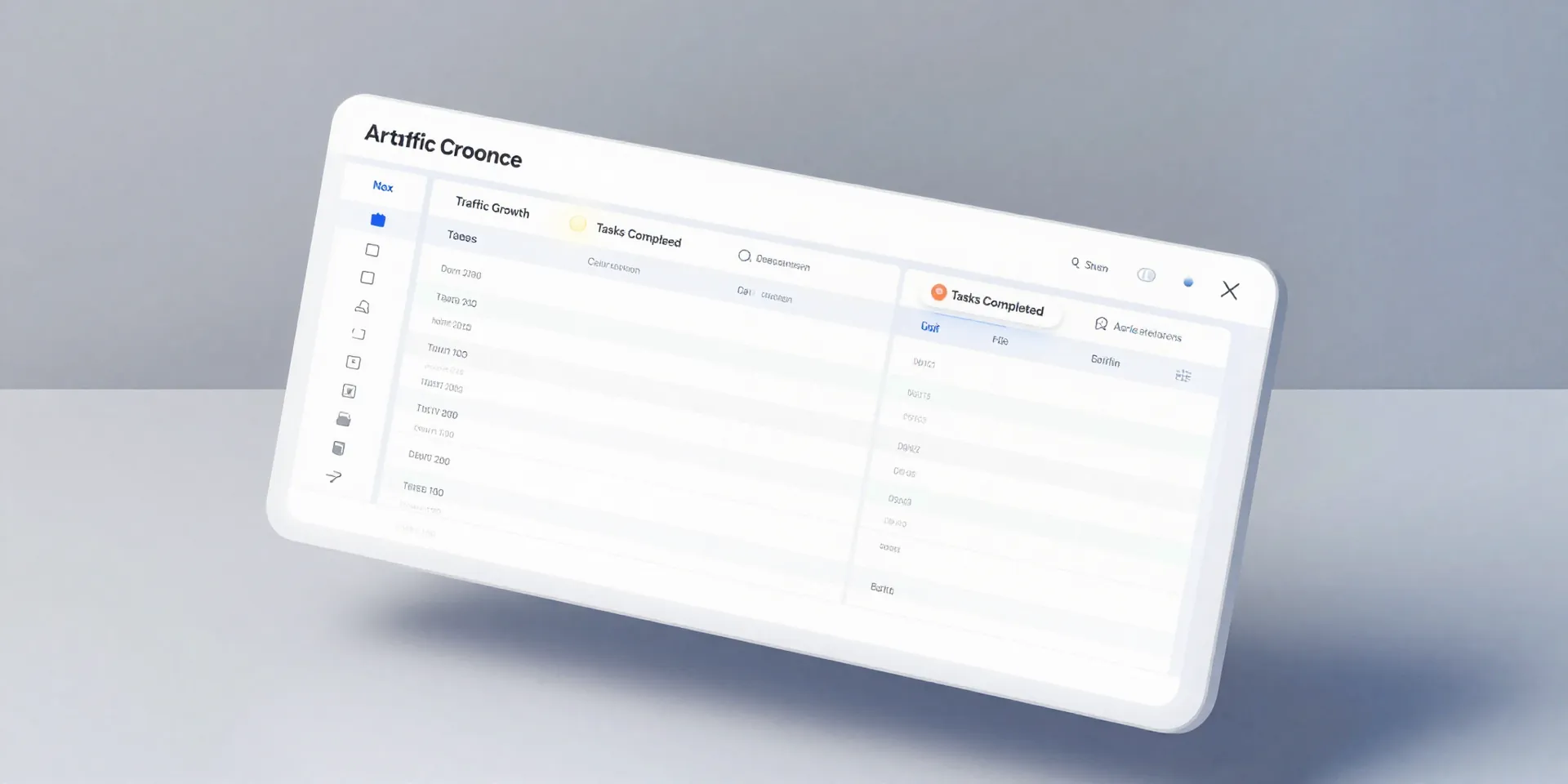
Forget static spreadsheets. Airtable is a spreadsheet that got superpowers. It's where all your client data lives. Create a base for each client. Have fields for everything: goals hit, tasks completed, key metrics, notes from your last call, links to important files. It's not just a data dump. It's the single source of truth. This organized chaos is the fuel for your automation. The key is structure. Think of it as building a template for success, one field at a time.
Zapier: The Silent Automation Engine

This is the magic glue. Zapier listens for a trigger in Airtable and then performs an action somewhere else. No code needed. The trigger? A new entry in your "Reporting" view. The date field hits the 1st of the month. Or you tick a checkbox labeled "Generate Report." Zapier sees that. It wakes up. Its job is to take that raw data and do something useful with it.
Building the Report Generation Machine
Here’s the fun part. You tell Zapier what to do. When it gets the trigger from Airtable, it can: Grab your pre-designed Google Docs or Canva template. Hunt down the specific data for that client from your Airtable base. Plop the numbers into the right spots in the document. Save the new report with the client's name and date. Even email it directly to them. You set this up once. It runs forever. The report is consistent, professional, and on time. Every. Single. Month.
The Client's View: Why This Actually Matters
Think about what your client sees. They don't see your late nights. They see a polished document, arriving like clockwork, that proves you're on top of their account. It builds insane trust. It shows you're organized, professional, and focused on results, not administrative drudgery. You stop being a service provider who *does* work. You become a strategic partner who *manages* progress. And you get your Sunday nights back. That’s the whole point, isn't it?